
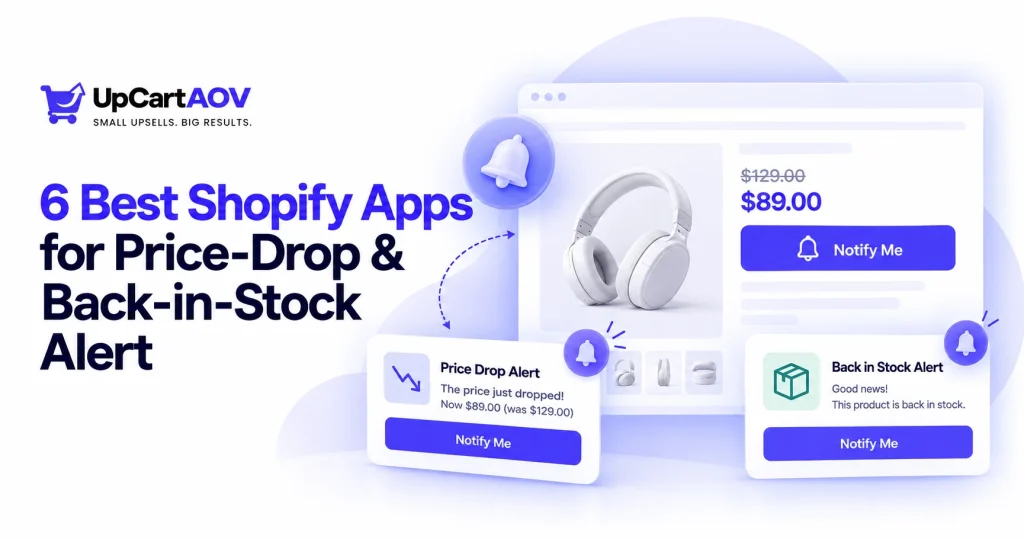
Not every customer is ready to buy when they first discover a product.
They may like an item but want to wait for a discount. Or they may find the product they want is currently out of stock. Without a way to stay connected, that customer may leave and never return.
This is where Shopify wishlist apps with price-drop and back-in-stock alerts can help.
The best solution depends on what your store needs most, whether that is simple wishlist functionality, price-drop notifications, back-in-stock alerts, or a combination of these features. Before choosing an app, it is worth comparing the available features, notification options, integrations, and pricing.
What Are Price-Drop and Back-in-Stock Alerts?
A wishlist lets shoppers save products they may want to purchase later. Alert features take this a step further by notifying shoppers when something changes, such as a price reduction or a product coming back in stock.
Price-Drop Alerts
A price-drop alert lets a customer know when a saved product becomes cheaper.
For example, a shopper adds a $60 product to their wishlist but decides not to purchase it. If the price later drops to $50, the customer can receive a notification.
This gives the shopper a relevant reason to revisit the product.
Back-in-Stock Alerts
Back-in-stock alerts notify customers when a product they were interested in becomes available again.
The customer doesn’t need to repeatedly check the product page.
The journey can be simple:
Product Out of Stock → Customer Saves Product → Product Returns → Customer Gets Notified → Customer Returns to Store
For stores with frequently changing inventory, this can be particularly useful.
Why Combine Wishlists With Product Alerts?
A wishlist captures customer interest. Alerts give merchants an opportunity to act on that interest.
Without alerts, the journey may look like:
Save → Leave → Forget
With relevant notifications, it can become:
Save → Product Changes → Get Notified → Return → Purchase
This makes wishlist functionality more useful as part of a broader customer retention and re-engagement strategy.
Benefits of Price-Drop Alerts
1. Re-engage Interested Customers
A shopper who saves a product has already shown interest. A price-drop notification gives you an opportunity to bring that shopper back.
2. Make Discounts More Relevant
Instead of sending the same promotion to your entire customer base, a price-drop alert can be connected to a product the shopper has already saved.
3. Encourage Delayed Buyers
Some customers simply need a better price before making a purchase. A price change may be the trigger that moves them from consideration to purchase.
Benefits of Back-in-Stock Alerts
1. Recover Potential Sales
An out-of-stock product doesn’t necessarily mean the customer has lost interest. A restock notification gives them another opportunity to purchase.
2. Reduce Manual Checking
Customers don’t need to repeatedly visit your store to see whether their preferred product is available.
3. Understand Product Demand
If many customers request notifications for an unavailable product, that can provide useful insight into demand and inventory planning.
Features to Look for in a Shopify Wishlist Alert App
Before choosing an app, consider more than just the wishlist button.
Look for:
- Price-drop alerts — Notify customers when saved products become cheaper.
- Back-in-stock alerts — APresslert shoppers when unavailable products return.
- Wishlist functionality — Give customers an easy way to save products.
- Guest wishlists — Allow shoppers to save products without necessarily creating an account.
- Email notifications — Deliver alerts automatically.
- Customization — Match wishlist buttons and notifications to your store’s design.
- Analytics — Understand which products receive the most interest.
- Integrations — Connect alerts with your existing marketing tools where needed.
- SMS or WhatsApp notifications — Give customers additional ways to receive important product alerts, depending on the app and your store’s audience.
Best Shopify Wishlist Apps With Price-Drop & Back-in-Stock Alerts
There are several Shopify apps that combine wishlist functionality with product alerts. The right option depends on your store size, alert requirements, budget, and the level of customization you need.
1. eWeb – Wishlist & Alerts
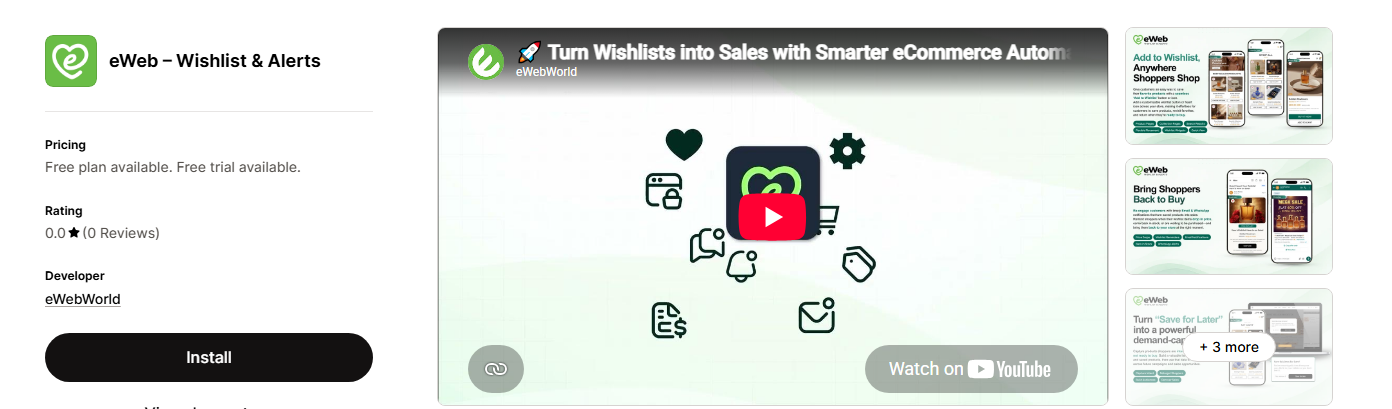
eWeb – Wishlist & Alerts takes a broader approach by combining wishlists with several types of customer alerts.
Along with allowing shoppers to save products, it supports price-drop, back-in-stock, low-stock, and wishlist reminder alerts.
It also includes wishlist analytics, which can help merchants understand which products shoppers are saving and showing interest in.
For growing stores, having wishlist functionality and several alert types in one app can be useful when the goal is to keep customers connected to products beyond their first visit.
Best for: Growing Shopify stores looking for wishlist functionality with multiple product alerts and analytics.
2. Stok: Back in Stock Alert
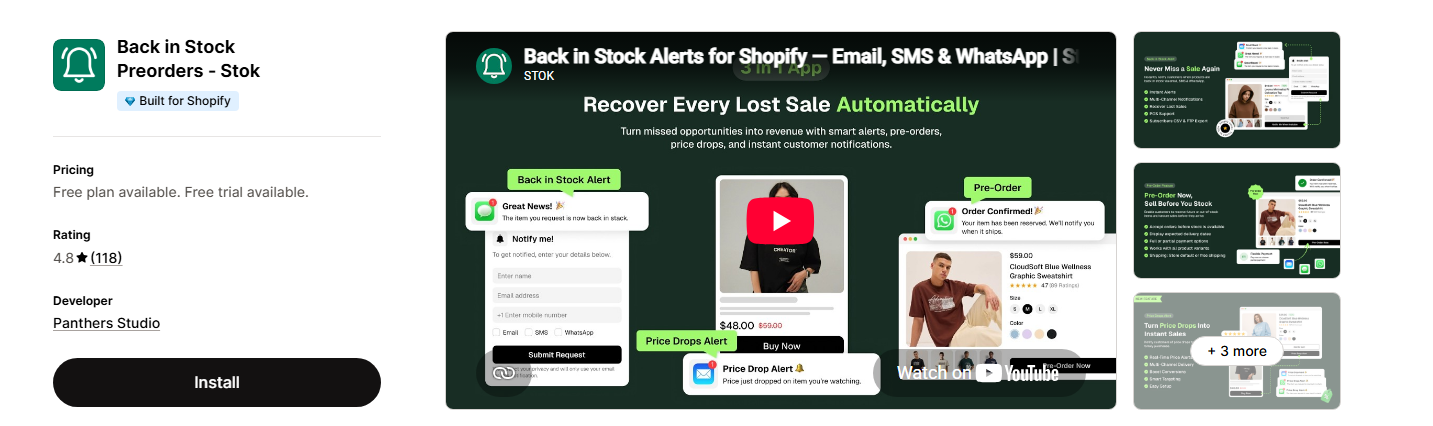
Stok focuses on helping merchants recover sales from products that are unavailable. It supports back-in-stock notifications along with other product alert use cases, including price-drop notifications.
This makes it useful for stores where inventory availability and product alerts are an important part of the customer journey.
Best for: Stores looking for a dedicated product alert solution with multiple notification use cases.
3. Hulk AI Wishlist & Favorites
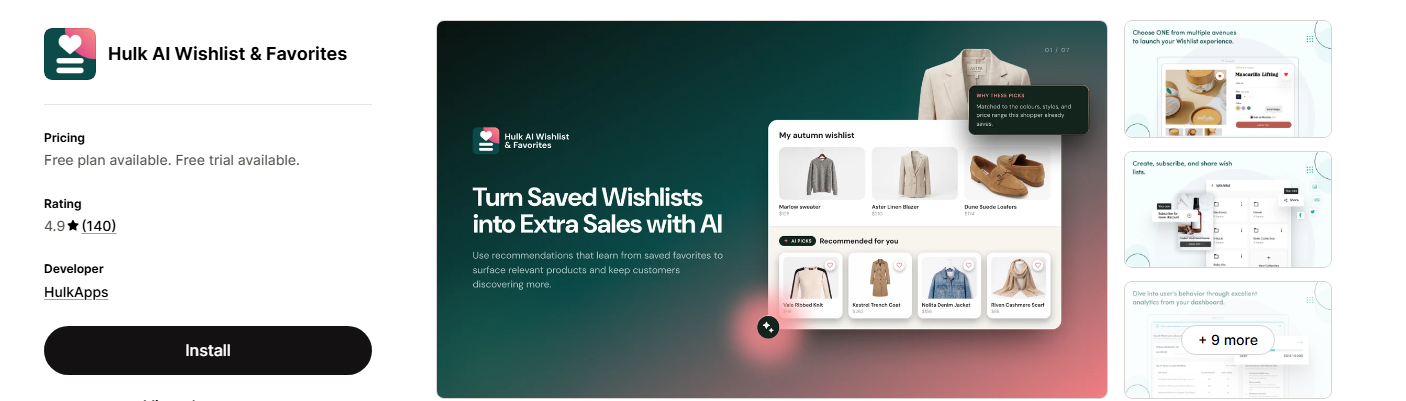
Hulk AI Wishlist & Favorites combines wishlist functionality with customer engagement features. It supports features such as guest wishlists and product availability notifications.
The app can be useful for merchants who want customers to save products while also giving them a way to reconnect with those products later.
Best for: Shopify stores looking for wishlist functionality with customer engagement and restock features.
4. WL – Wishlist
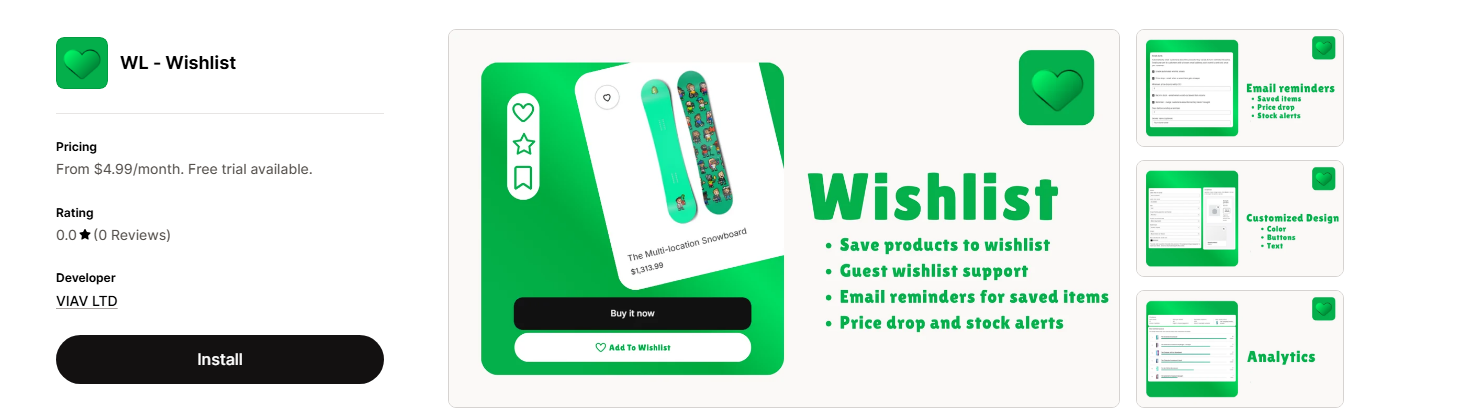
WL – Wishlist is focused on the core wishlist experience while also supporting customer notifications.
It provides features around saving products and can notify customers about changes such as price drops and products coming back in stock.
Best for: Merchants looking for a straightforward wishlist solution with product alerts.
5. Wishlist Guru: Favorites List
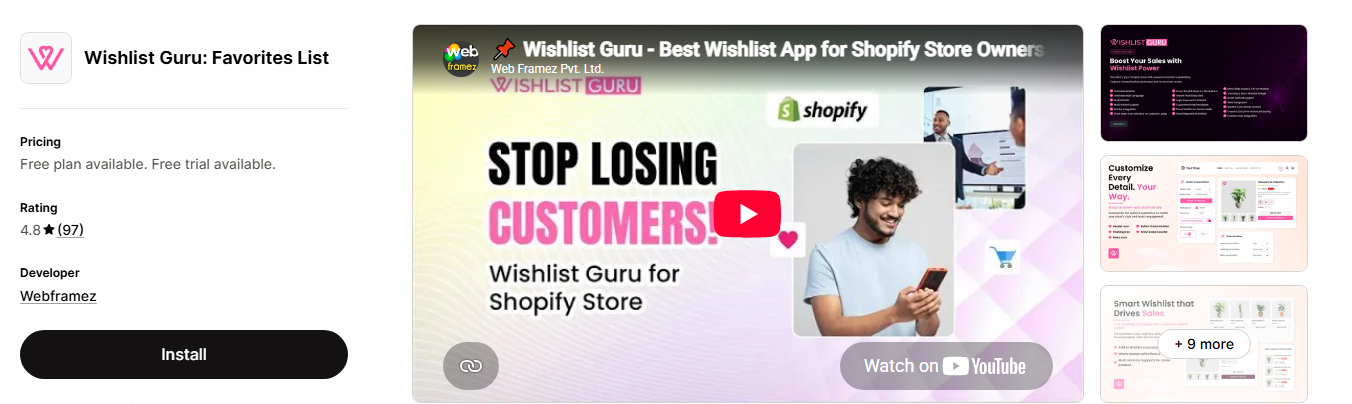
Wishlist Guru focuses on helping customers create and manage product wishlists. It also provides features such as wishlist sharing and product availability notifications.
For stores where saving and sharing products are important parts of the shopping experience, it can be worth considering.
Best for: Stores looking for wishlist, sharing, and restock functionality.
6. WC Wishlist & Back in Stock
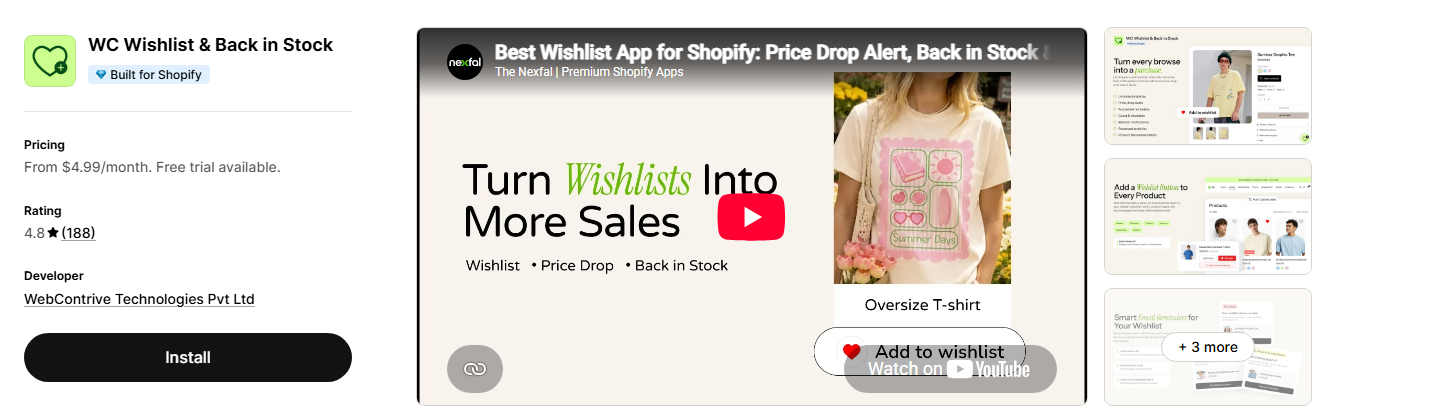
WC Wishlist & Back in Stock combines two useful ecommerce functions: wishlists and back-in-stock notifications.
This approach can help merchants capture interest in products customers want while giving those shoppers an opportunity to return when inventory becomes available.
Best for: Shopify stores that want wishlist functionality combined with back-in-stock notifications.
How to Choose the Right Wishlist Alert App
There isn’t one perfect app for every Shopify store.
If your main concern is inventory availability, a dedicated back-in-stock solution may be enough.
If you want customers to save products and receive notifications about price changes, look for an app that combines wishlist and price-drop functionality.
For growing stores, it’s also worth considering:
- Monthly pricing and usage limits
- Number of notifications included
- Guest wishlist support
- Email customization
- Analytics
- Integrations
- Mobile experience
- Customer support
The best app is the one that provides the features you actually need without making your store pay for unnecessary functionality.
How a Shopify Wishlist Changes the Shopping Journey
A wishlist doesn’t change every customer’s buying decision, but it can make the journey from interest to purchase much easier. Here’s a simple look at what happens when shoppers have a way to save the products they are considering.
| Without a Wishlist | With a Shopify Wishlist |
| Customers may forget products they liked | Customers can save products for later |
| They may need to search for products again | Saved products are easy to find |
| There’s less visibility into products customers are considering | Wishlist activity can reveal product interest |
| Customers may miss a price change | Price-drop alerts can bring interested shoppers back |
| Customers may not know when an item is available again | Back-in-stock alerts can notify interested shoppers |
| Follow-up depends more on general marketing | Reminders can be connected to saved products |
| The shopping journey may end when the customer leaves | Customers have an easy way to return and reconsider |
Final Thoughts
Wishlists can be useful on their own, but combining them with price-drop and back-in-stock alerts can make them more valuable for growing Shopify stores.
Instead of simply storing a list of saved products, merchants can use relevant product changes to reconnect with shoppers who have already expressed interest.
Whether you choose a dedicated alert app or a broader wishlist solution, focus on the features that match your customers’ shopping behavior.
Because sometimes “not ready to buy” doesn’t mean “not interested.”
It simply means “give me a reason to come back.”
Frequently Asked Questions
1. Can Shopify wishlist apps send price-drop alerts?
Yes. Some Shopify wishlist apps notify customers when a saved product becomes cheaper, giving them a reason to return and reconsider the purchase.
2. What are back-in-stock alerts on Shopify?
Back-in-stock alerts notify customers when a previously unavailable product becomes available again.
3. Can customers use a Shopify wishlist without creating an account?
Some wishlist apps support guest wishlists, allowing shoppers to save products without signing up for an account.
4. How do I choose the right Shopify wishlist app?
Compare the features you need, including wishlist support, price-drop and back-in-stock alerts, guest wishlists, notification channels, analytics, integrations, customization, and pricing.
5. Can wishlist apps send WhatsApp alerts?
Some apps support WhatsApp notifications in addition to email and other communication channels.

